Published: Jun 1, 2007 by K. E. Claytor
A GUI for playing Othello against yourself or the computer, includes such features as;
- 1 or 2 player mode
- 4 option difficulty setting ranging from Wimpy (no edge weighting, only looks 1 move ahead) to Difficult (severe edge weighting, looks 6 moves ahead)
- Rules dialog if you forget, or don’t know how.
Installation:
- MCR Installer - The MATLAB component runtime that must be installed before running the program installer.
- Othello_pkg - Standalone executable (windows only)
- Othello.m - Matlab file
Installation
If the Matlab Runtime has not been installed download and install the Matlab runtime file. Then download the counter_pkg.exe program and run it. This will create counter.exe which is the standalone application. Alternatively you can download the Matlab files in a .zip package and run from the Matlab command prompt.
Screenshots
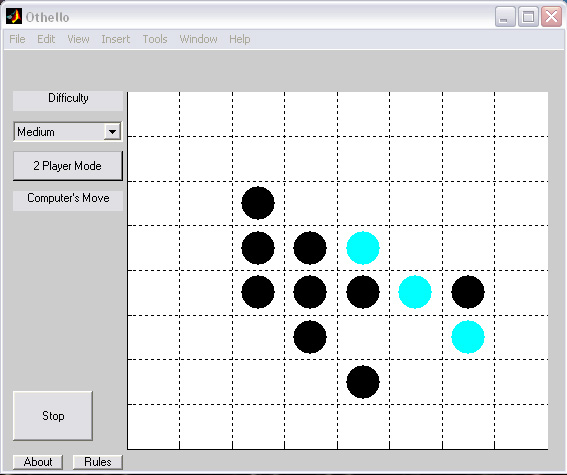 A screenshot of Othello in action.
Revision history;
- Version 3.0 - Fully function recursion
- Version 2.5 - Functional edge weighting
- Version 2.1 - Functional AI
- Version 1.0 - Functional 2 player mode